Numéro d'article
854038

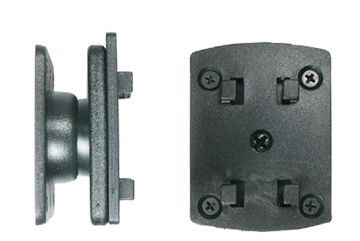
ProClip Nissan Altima 07-10 for USA Anglé

23,95 €
En stock
-
+
  • Livraison rapide
  • Produits de haute qualité
  • Paiements sécurisé
Détails
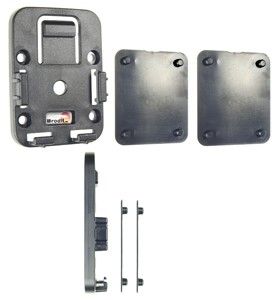
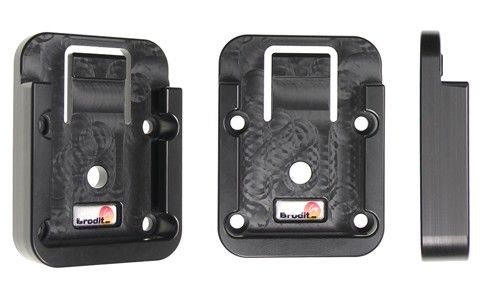
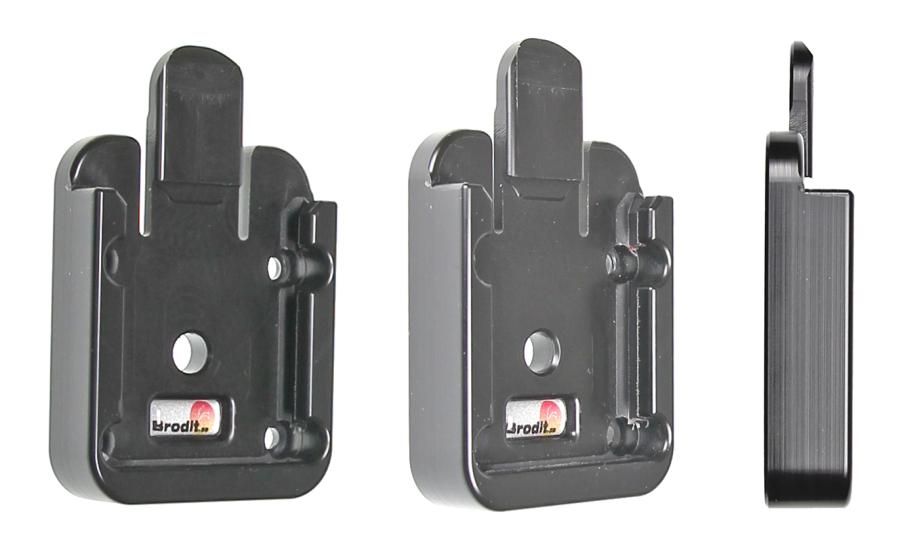
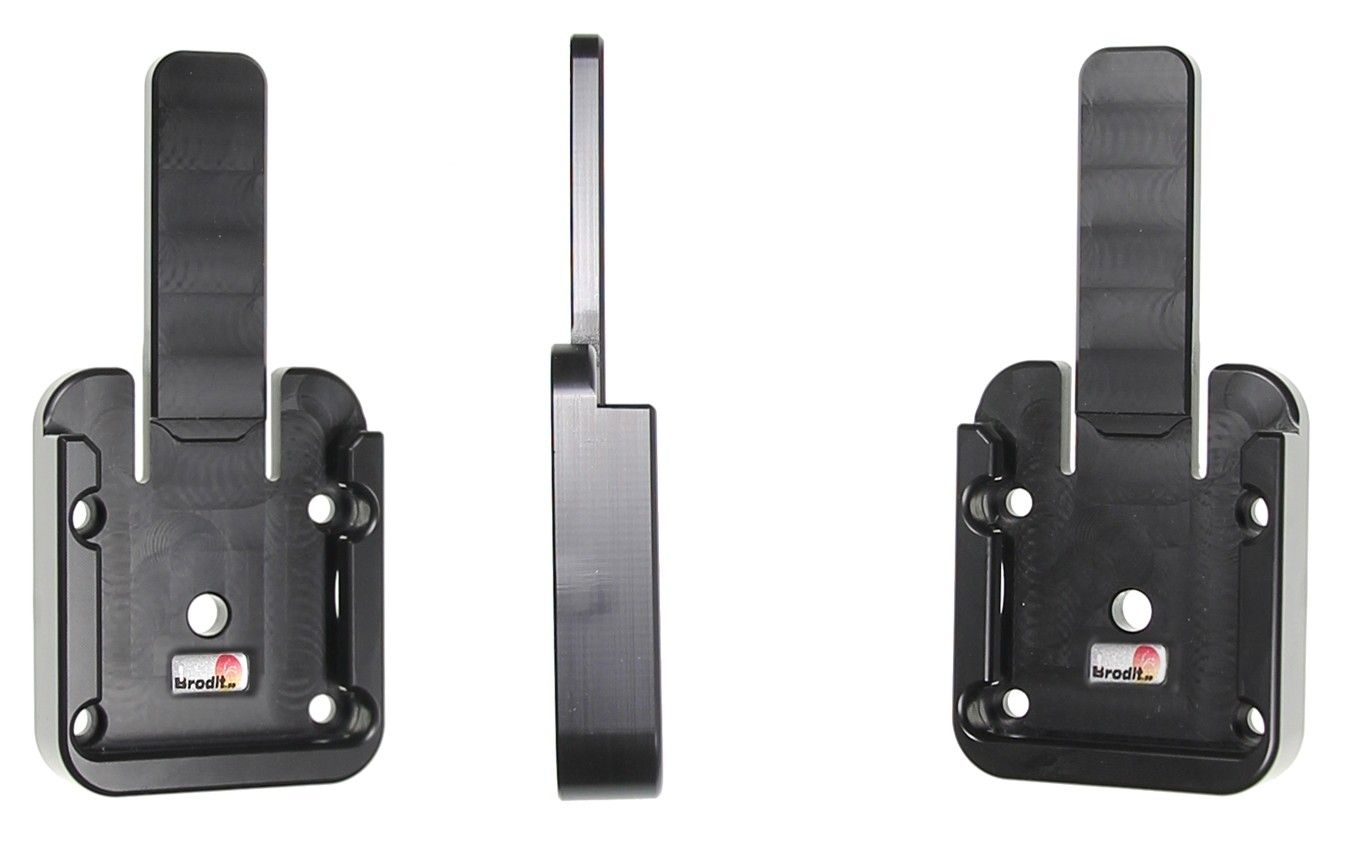
Le Brodit ProClip est un support de montage spécifique au véhicule qui peut être monté du montant A du véhicule. Il fournit une plateforme de montage pour les téléphones mobiles et autres petits appareils que vous souhaitez avoir à portée de vue et de main. Sûr, élégant et pratique ! Convient aux véhicules à conduite à gauche ! L'installation facile est standard avec les Proclips de Brodit. Le support se met en place et a la forme de tableau de bord. Vous n'avez pas besoin de percer de trous et le tableau de bord n'a pas besoin d'être démonté. Il est fait pour être monté sans endommager l'intérieur. Livré avec des instructions d'installation détaillées. Fabriqué en plastique ABS noir.
Plus d'infos
Plus d'infos
Marque d'accessoire Brodit
Barcode 7320288540382
Prix Public TTC 29,95 €
options de montage Proclip volant gauche
Position Proclip Droite
Couleur noir
Montage standaard Taille AMPS, sans trous
Compatibilité produit Vérifiez dans “liste de compatibilité si votre véhicule est compatible avec ce ProClip
Ruilen period 30 days
Repareren period 30 days
Retour period 30 days
Voir plus + Montrer moins -
Commentaires
Rédigez votre propre commentaire
Vous commentez :ProClip Nissan Altima 07-10 for USA Anglé
Compatibility
Voir plus + Montrer moins -
Instruction
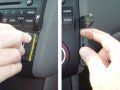
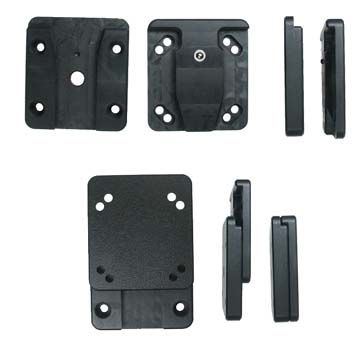
Please read all of the instructions and look at the pictures before attaching the ProClip. This ProClip consists of two parts. Part 1. Attaching part (the smallest part) Part 2. ProClip face plate 1. Press the thin end of the enclosed gap opener into the gap between the center console panel frame and the padded part of the dashboard, to widen the gap. Peel off the cover of the adhe
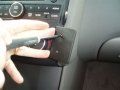
2. Place the angled edge of Part 1 against the gap below the gap opener. Press the angled edge firmly into the gap and at the same time bend Part 1 to the right until you see or hear/feel it snaps into place. Don't press the tape towards the console edge yet. Slide Part 1 downwards until it stops. Then press Part 1 towards the console edge so the adhesive tape attaches. Pull out the gap opener.
3. Press a screwdriver (Philips) firmly through the predrilled holes in Part 2 to open them up. Peel off the cover of the adhesive tape on Part 2. Place Part 2 onto Part 1 so the holes match and the adhesive tape on Part 2 is on the left side. Do not attach the tape to the center console panel frame yet. Screw Part 2 onto Part 1 using the enclosed screws. Right before you tighten the screws press
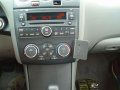
4. The ProClip is in place.

Scroll to top