

Nous utilisons des cookies pour améliorer votre expérience utilisateur. Pour se conformer à la nouvelle directive concernant la vie privée, nous devons vous demander votre consentement pour définir des cookies. en savoir plus.

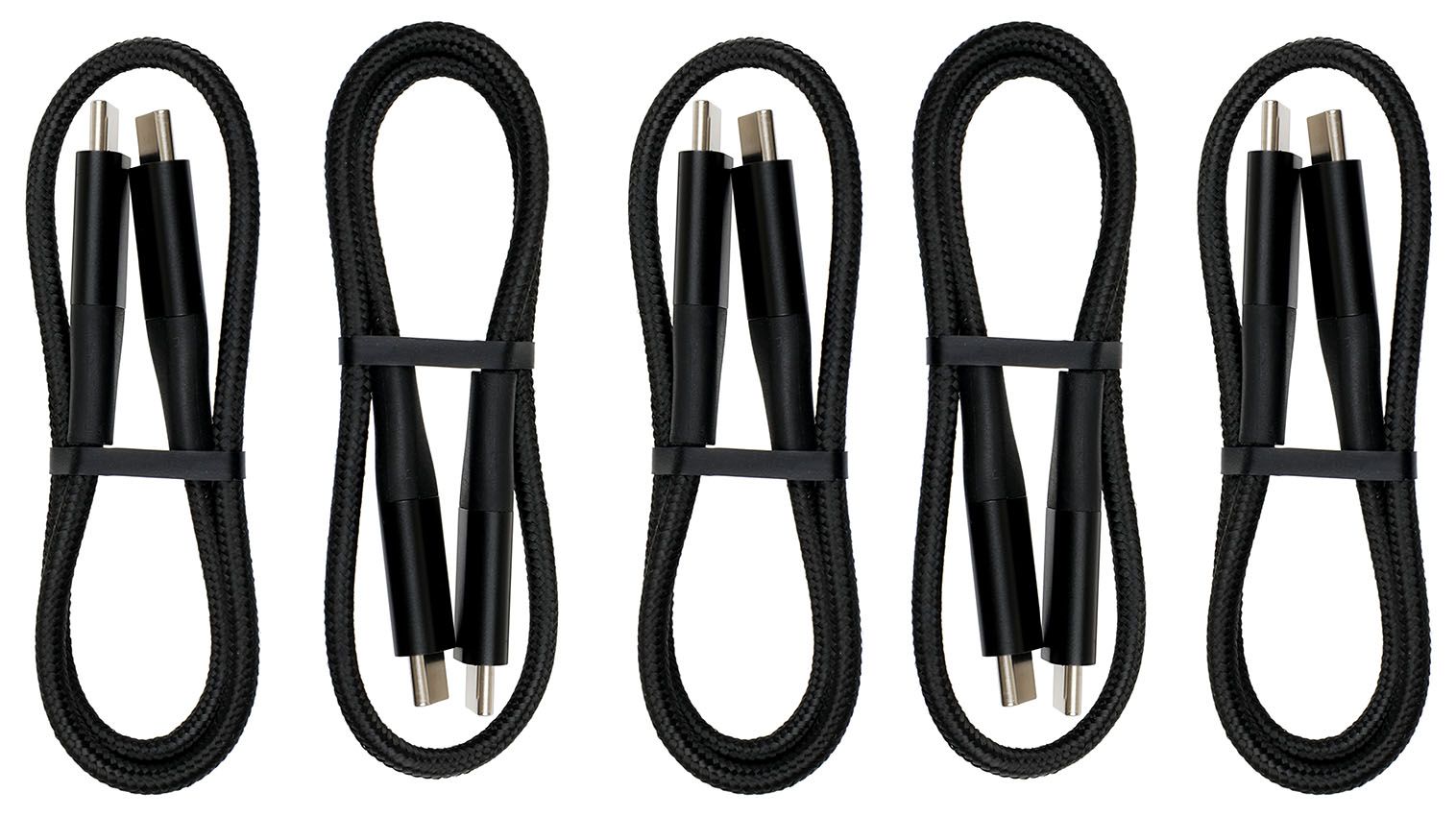
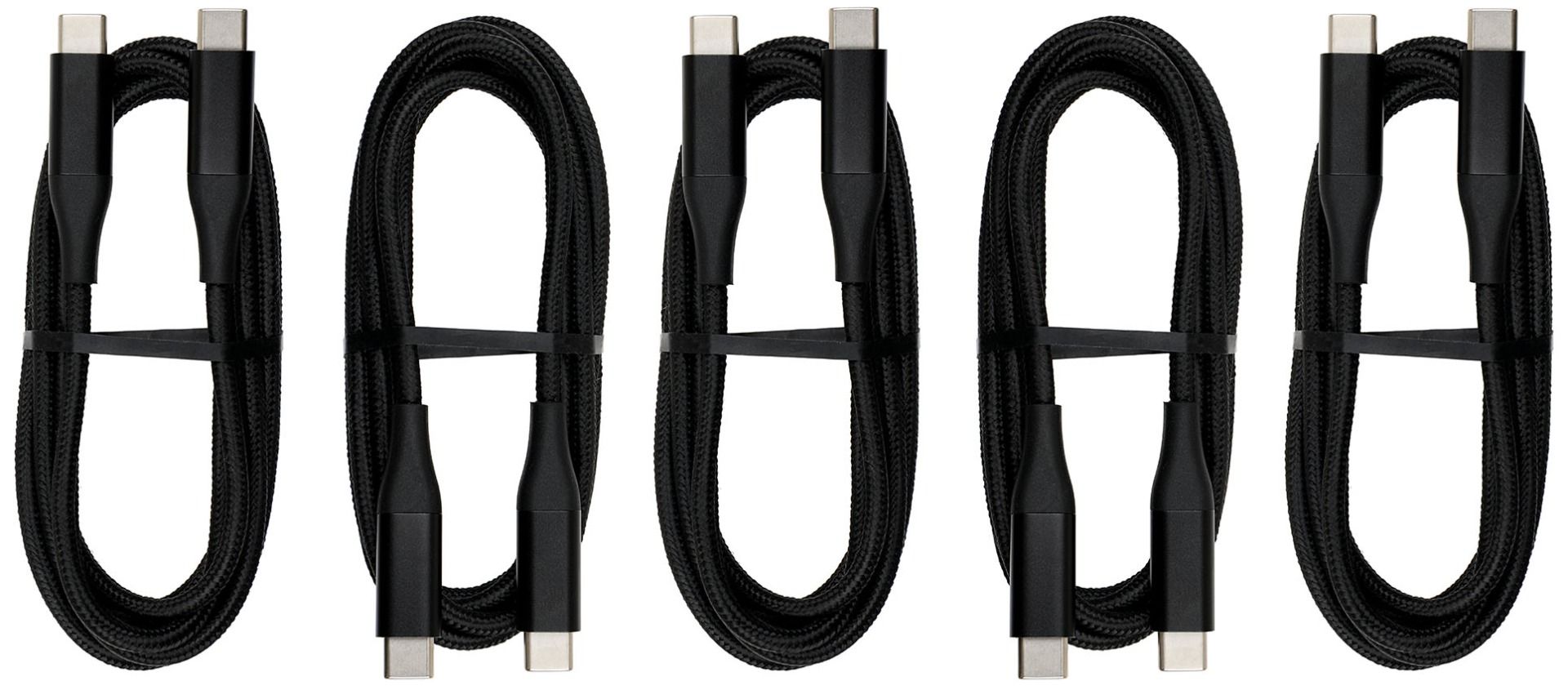
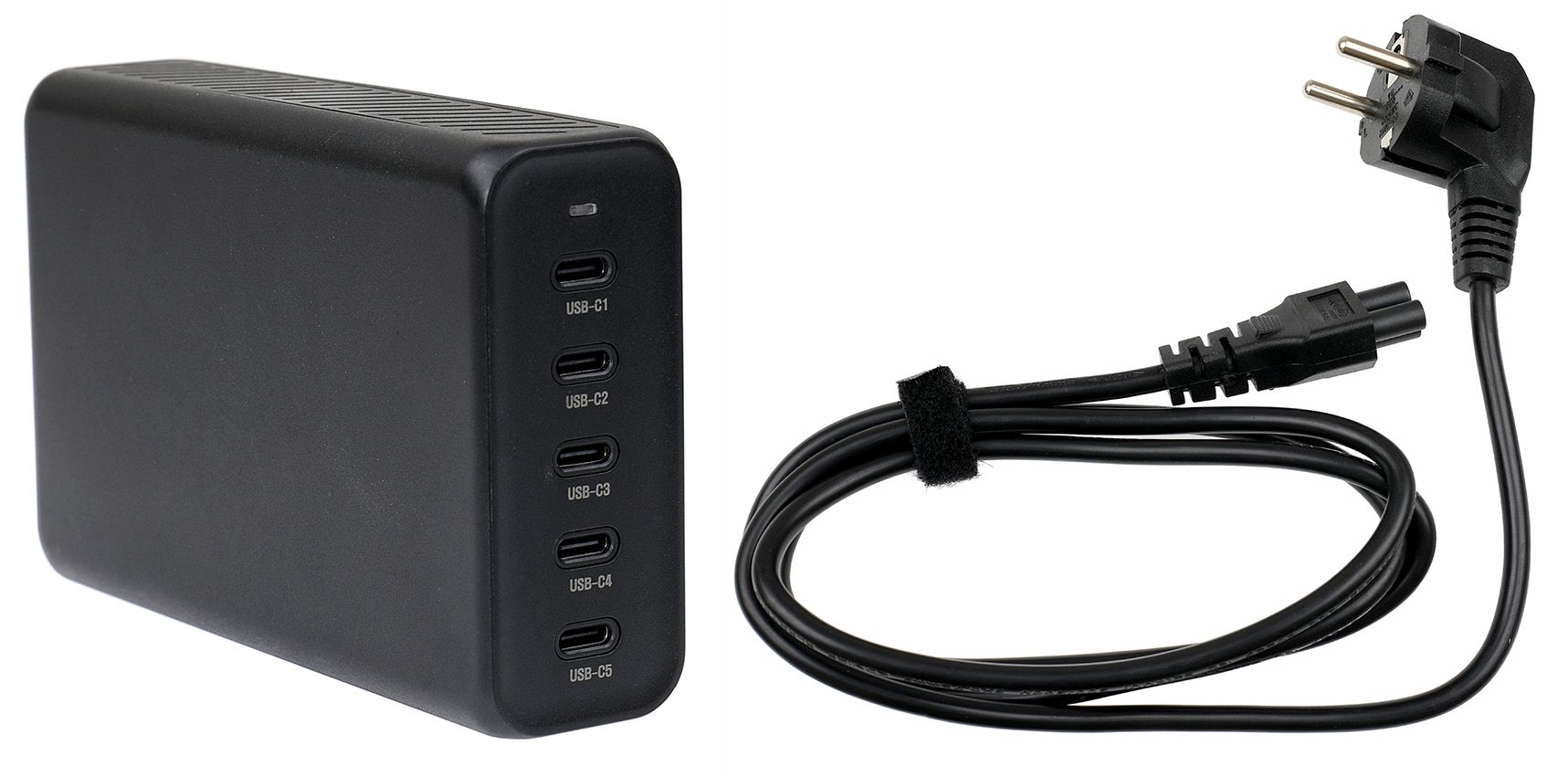
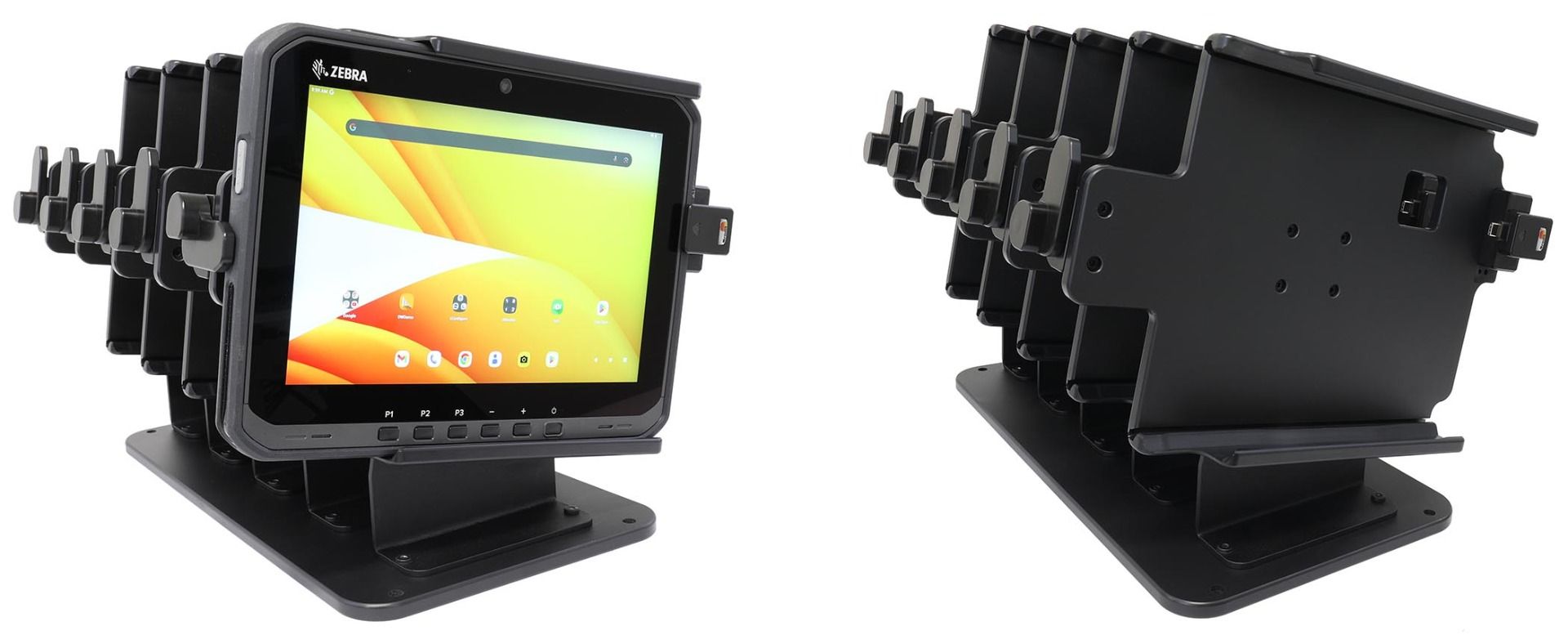
This table stand includes five Brodit slide-in holders, designed for Zebra ET60/ET65 tablets with Android or Windows. The holders feature an adjustable connector mount to match the USB-C port position, which differs between Android and Windows versions.
The kit includes one plastic base, five metal brackets, five holders, and mounting screws. Ideal for organizing, charging, and storing multiple tablets in one place.
| Marque d'accessoire | Brodit |
|---|---|
| Barcode | 7320282171407 |
| Prix Public TTC | 699,95 € |
| Caractéristique du support | Spécifique à l'appareil |
| Cable / Qi / charger type / connnector | passif |
| Charger l'appareil via | usbC |
| Verrouillable | non |
| Couleur | noir |
| Info produit | Support professionnel avec rotule pour votre smartphone, système de navigation ou tablet. Plus de réflexions ennuyeuses par la possibilité de modifier l’inclinaison. |
| Ruilen period | 30 days |
| Repareren period | 30 days |
| Retour period | 30 days |